 Seabook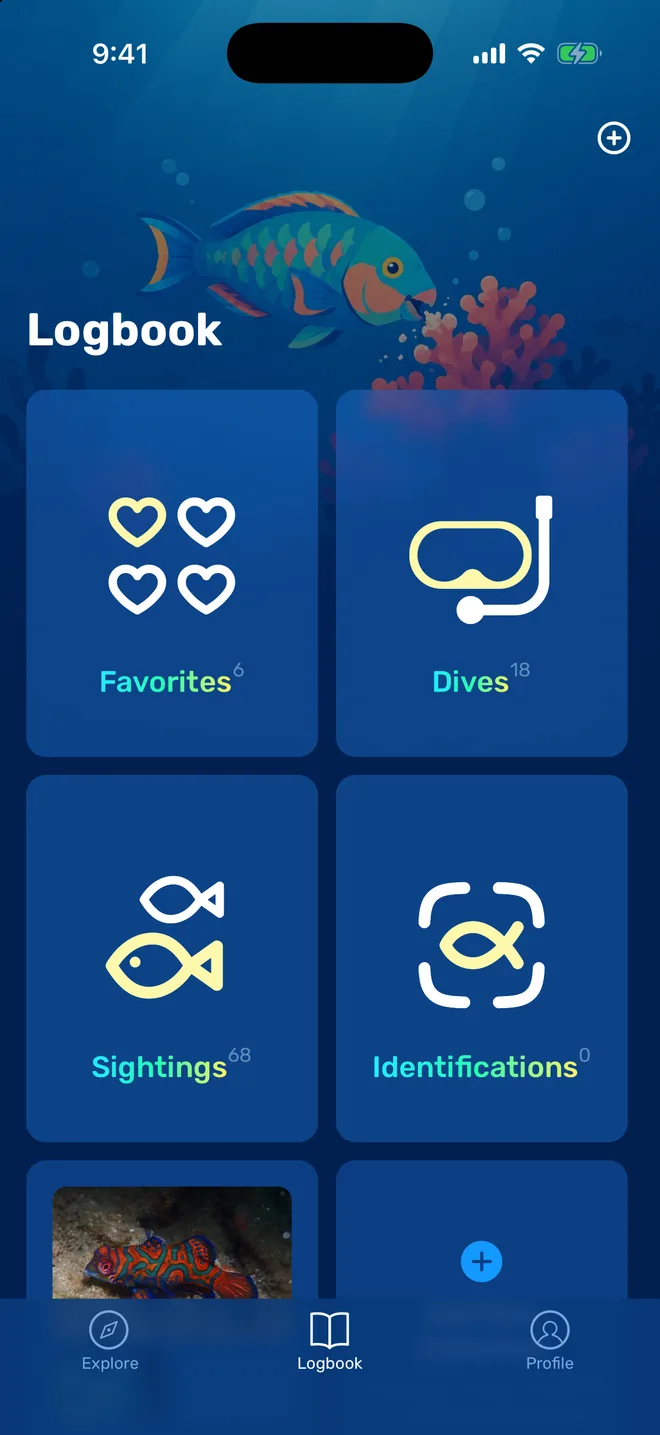
One logbook for dives and sightings.
Dives, the species you have seen, your favourites and your photo identifications sit side by side. Open Dives and add one, or let your computer do it.
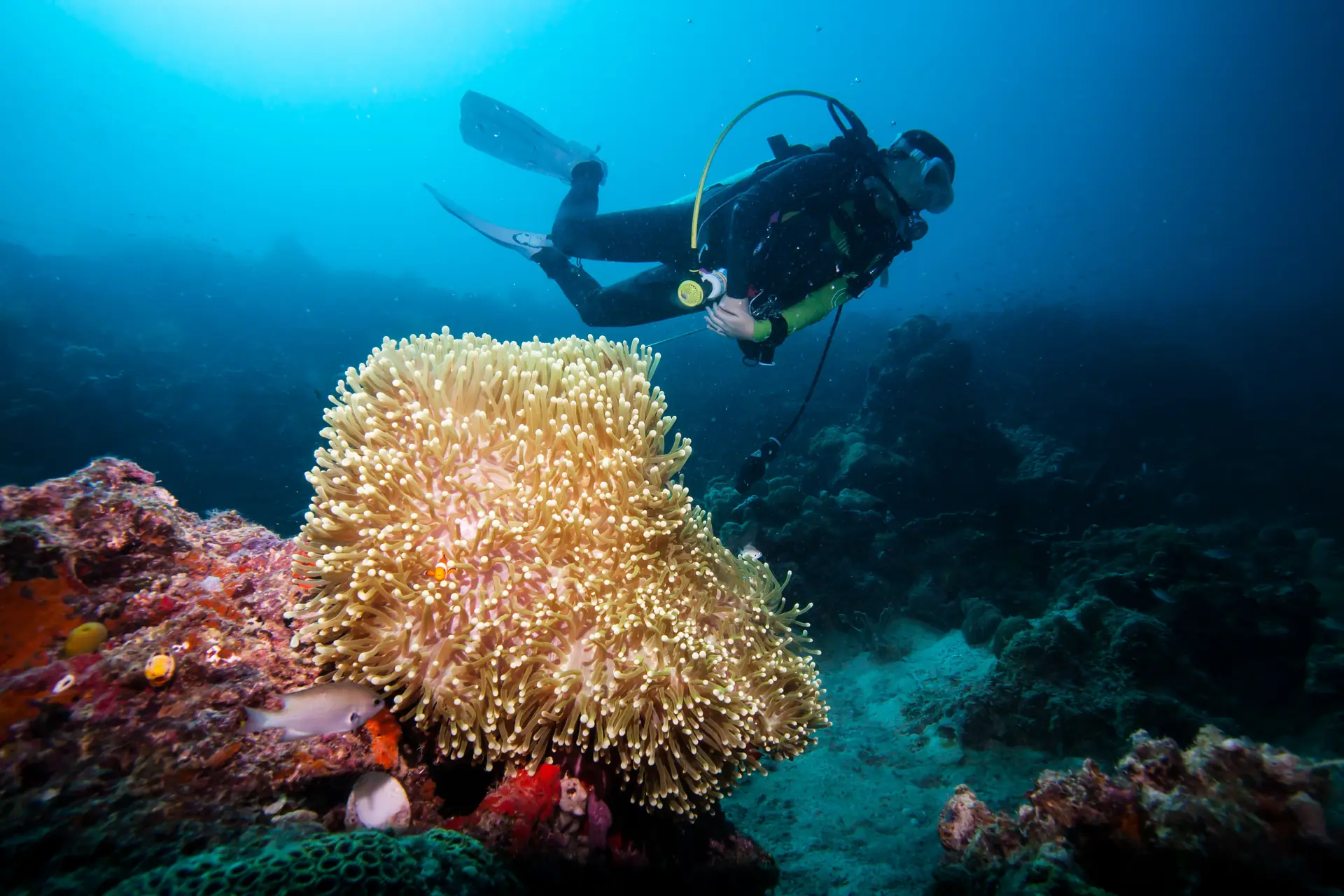
Seabook is a free scuba dive log for iPhone and Android. It imports from your dive computer and names the fish.
Get the appMost scuba dive apps record depth and time. These six things decide whether you keep using one.
Dives, the species you have seen, your favourites and your photo identifications sit side by side. Open Dives and add one, or let your computer do it.
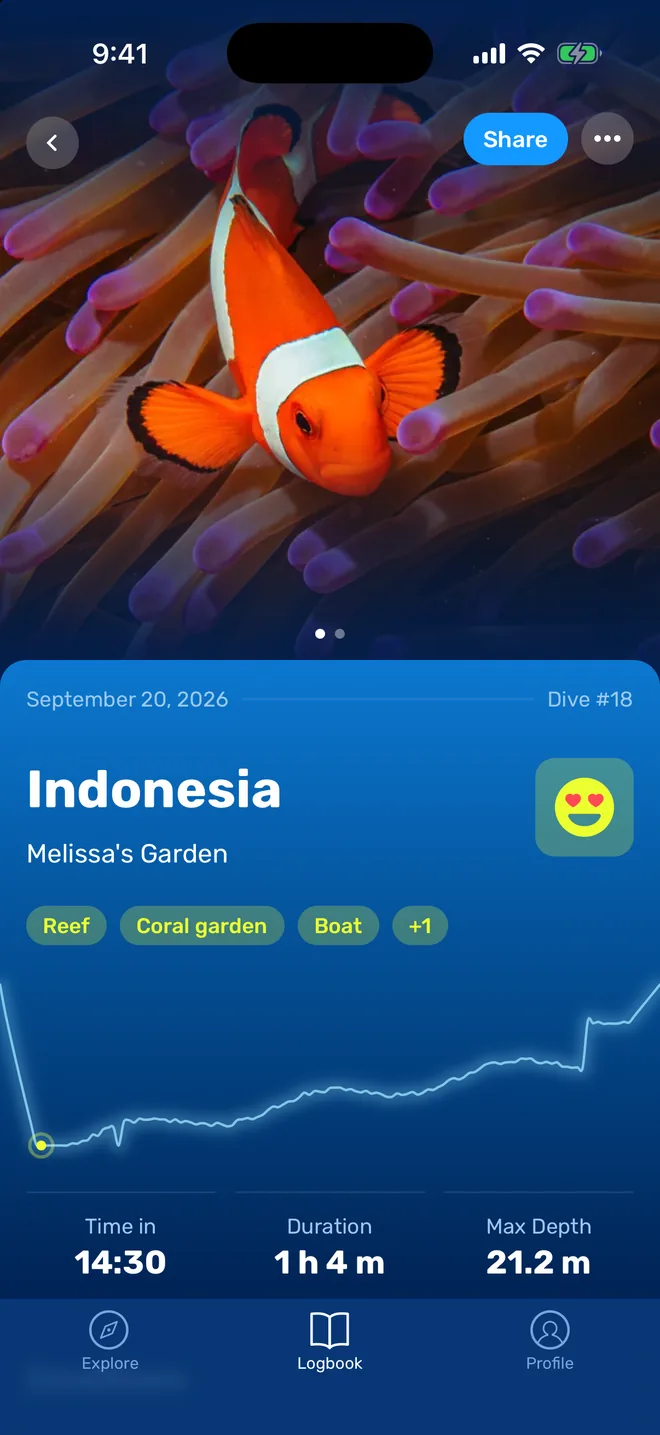
Photo on top, site and tags under it, then the depth profile with time in, duration and maximum depth. Share it as a card when the dive deserves it.
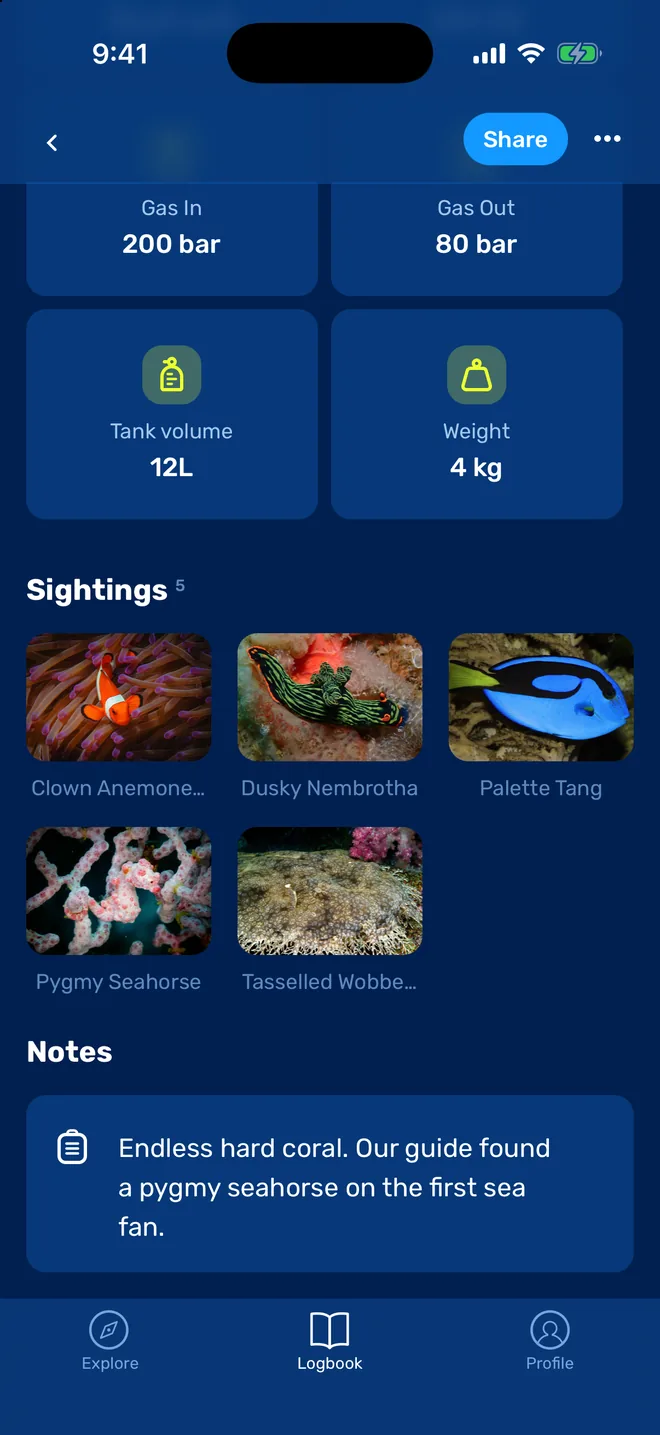
Start and end pressure, tank size and lead are there for planning the next dive. Below them sit the animals from this one, each linked to its guide page.
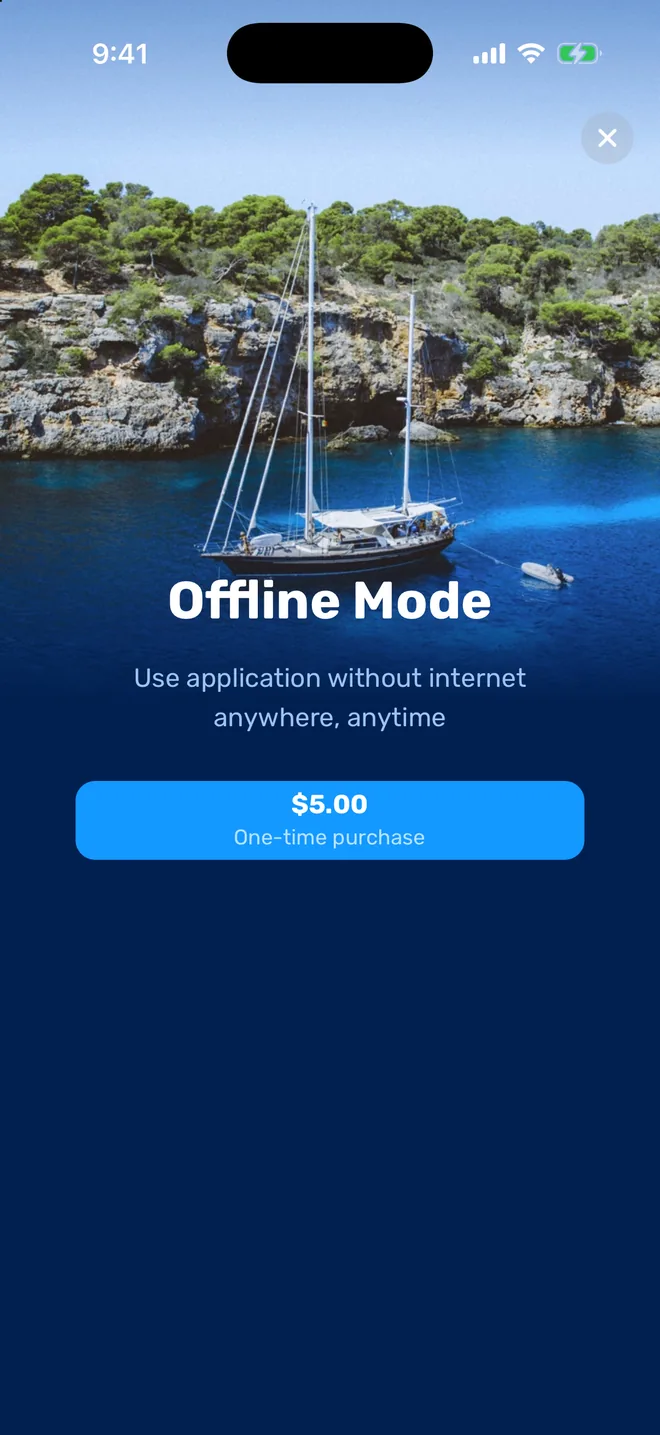
Log dives without a signal and they sync when you are back in range. Offline Mode, a one-time purchase, also keeps the whole species guide on your phone.
Seabook started as a marine life guide, and the dive log grew out of it. That is why a sighting in your log is a real species with photos, range and look-alikes, and why you can identify an animal from your own photo and attach it to the dive in two taps.
The guide covers more than 1,700 species. Open a region before a trip to see which of them divers meet there most, and tick them off as you go.
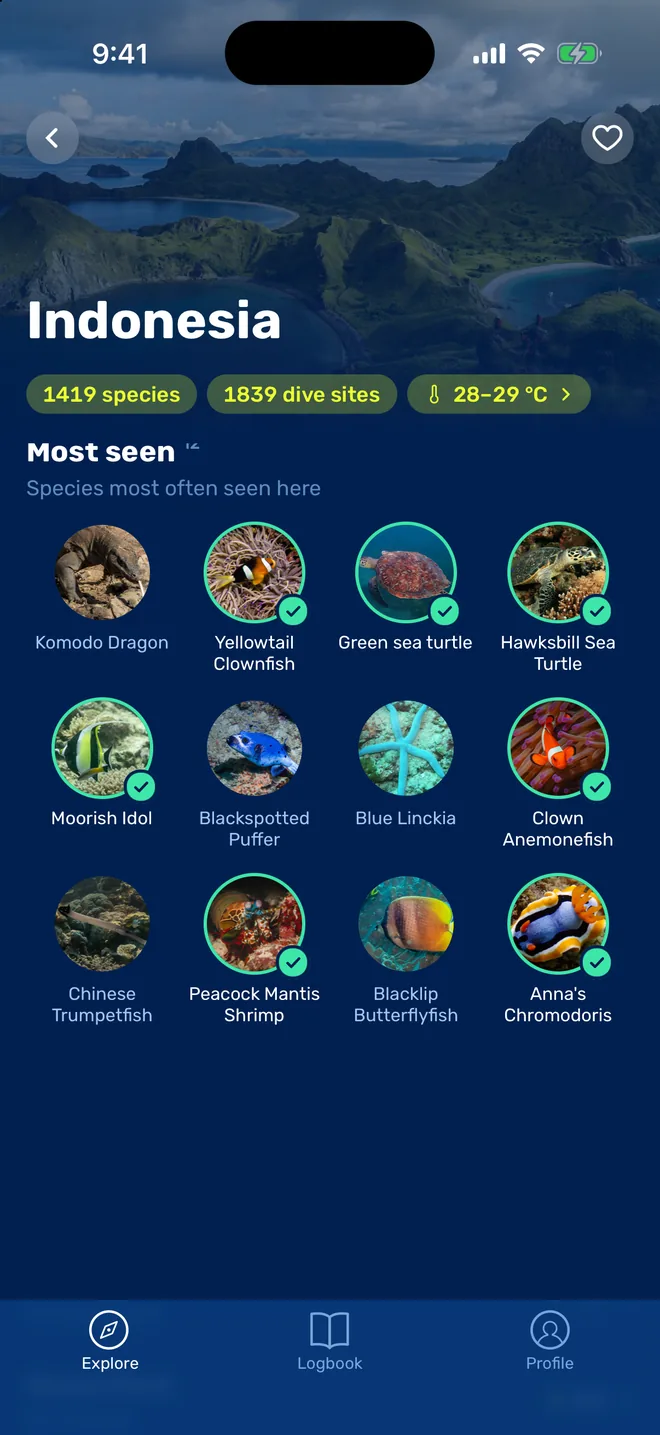
The best dive log app is the one you will still be using after dive 100. Look for import from your own dive computer, logging that works without a signal, sync across phones, and a way to record what you saw. Seabook covers those and adds a marine life guide, so a sighting is a named species instead of a line of handwriting.
Yes. Logging dives in Seabook is free on iPhone and Android. Some extras, such as Offline Mode, are paid.
Yes. Seabook is on the App Store and Google Play, and your logbook syncs between them through your account.
Yes. Enter depth, time, gas and site by hand in under a minute. If you buy a computer later, pair it and new dives import on their own.
Seabook can. Take or pick a photo and the app suggests the species, or search the guide by colour, shape and region. The species then attaches to your dive.
Install Seabook, log one dive, and see if it sticks. Logging is free.